Groceries list

My wife and I normally do the groceries once a week and buy the exact ingredients needed for our recipes. This helps us to eat healthier and reduce waste.

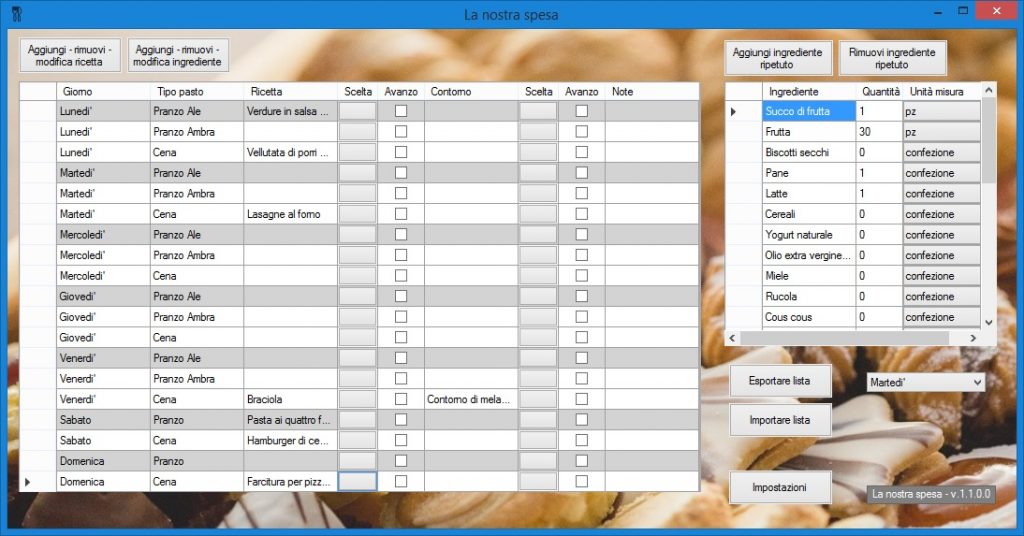
After a few months of using this approach I was frustrated by the process of making the list of items to buy. Every week we would plan what to have, then open all the recipes and add up all the ingredients. Quite a lot of time was needed to go through the whole process. To speed things up I created a program in Visual Basic which would do the work for me. The main interface includes all our meals of the week. Using the interface it is possible to select up to 2 recipes for each meal. Recipes can be edited or created with a separate editor. It is also possible to select a separate list of ingredients to be kept in stock (like, for example, flour and sugar).

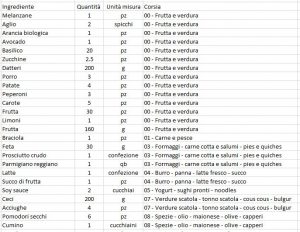
Once the weekly list is completed, the export button creates 2 files: shopping list and calendar. The shopping list is a csv file which includes the list of the ingredients to buy when doing the groceries. I save the list on Dropbox and open it with my phone when needed. The ingredients are divided by aisle and aisles are ordered with the same order they appear in the supermarket. This helps to avoid having to go up and down the supermarket and reduces the risk of forgetting ingredients.
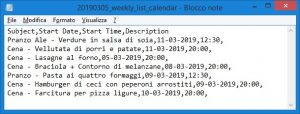
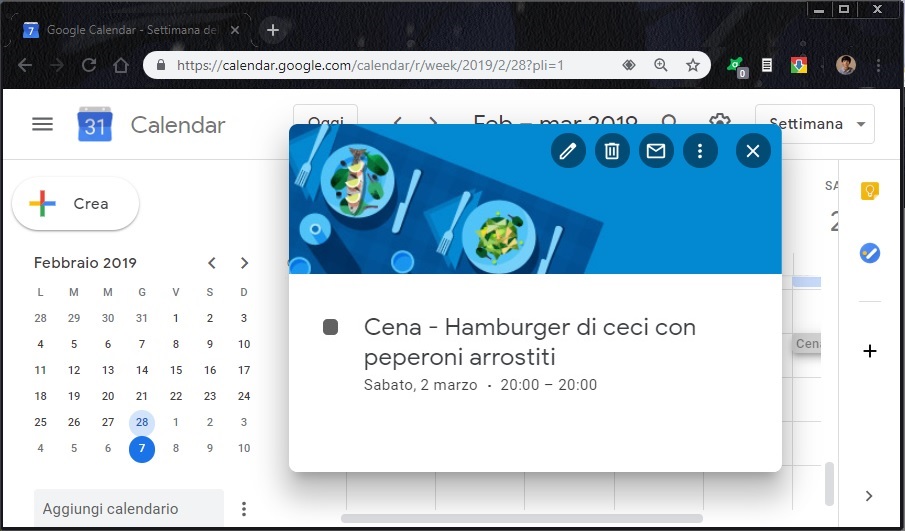
The calendar file includes the list of our meals and can be imported in google calendar, where each meal will appear as an appointment during the day.